Start with updates. Then use strong passwords and two-factor login, keep backups off the server and remove admins and plugins you do not use, then limit password guessing, then check your site from outside. A hidden login address and a hidden version number are small extras.
Many break-ins start with an old plugin or a weak or reused password. So the order below puts the dull steps first.
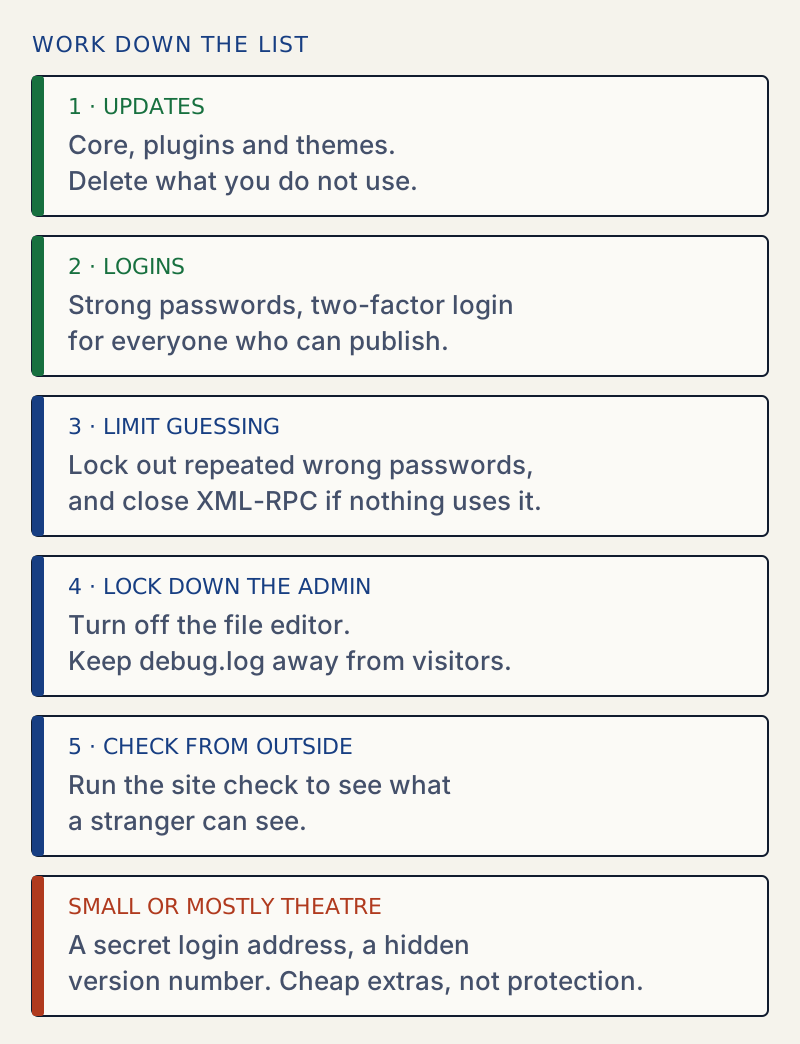
What to do first#
| If this is true | Do this |
|---|---|
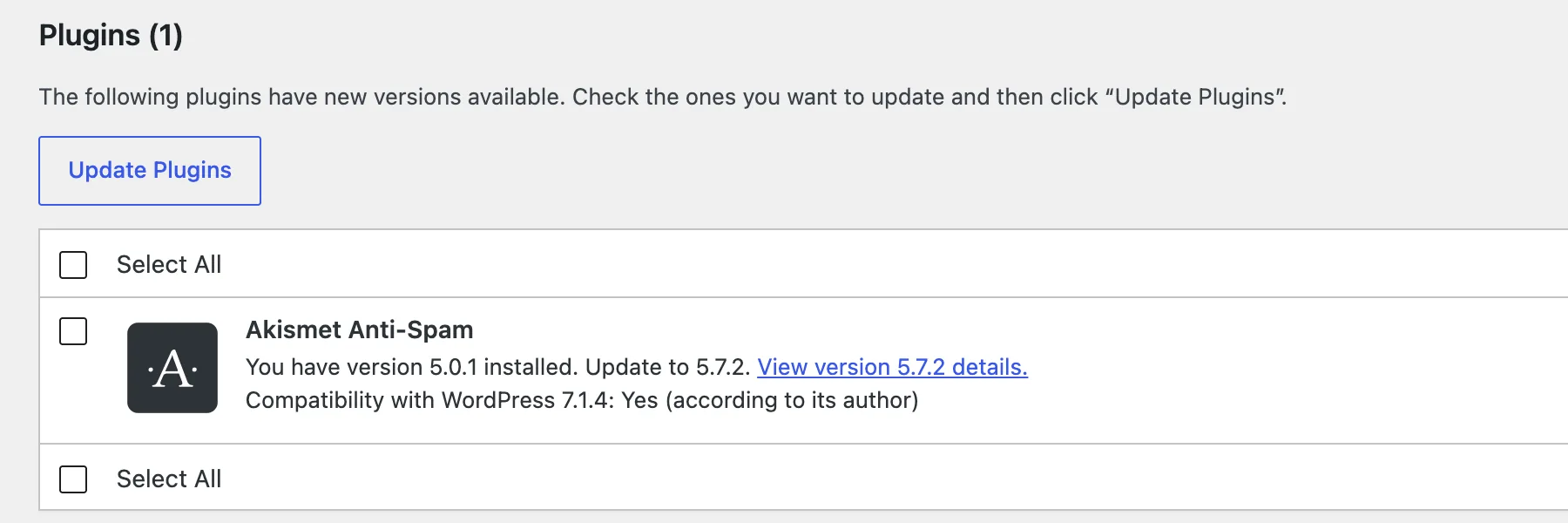
| Something has an update waiting | Update it, or delete it if you do not use it. Go to Dashboard → Updates. Update plugins safely. |
| Anyone who can publish has a short or reused password | Use a password manager, and add two-factor login with a plugin. WordPress 7.1 has no two-factor login of its own. |
| Your only backup is on the same server | Keep a copy somewhere else, and restore it once to test it. Hardening guide, step 4. |
| Someone has an administrator account they do not need | Remove it or lower the role. Hardening guide, step 2. |
| The site check says XML-RPC is open and nothing uses it | Close it. Hardening guide, step 6. |
debug.log can be downloaded | Block it or move it out of the public folder. Debug log guide. |
| Administrators can edit code from the dashboard | Turn off the file editor. Hardening guide, step 7. |
| The browser says the page is not secure | Find the http:// links. Mixed content. |
WordPress does not limit wrong passwords by default. In the tested guide, 20 wrong passwords in a row each got the normal error, and the 21st try with the right password logged in. You need a plugin or a server rule for that.
A login address is not a lock#
Moving wp-login.php stops bots that only try that one address. It does not touch XML-RPC or the REST API, which still accept passwords. Do it if you like, after the steps above. The login URL guide shows what it leaves open.
Pages linked below#
The sections below list the pages for each step, with what you get on each one.